prompt topic
Scroll storytelling prompts
Answer in brief
A scroll storytelling prompt works when it is written like a shot list: one scene, a camera path through it, and four to six chapters, each tied to a range of scroll progress with its own line of copy. The scrollbar is the timeline, so the prompt has to say what is on screen at every point along it.
It is the most expensive technique on this site. The scene stays live for the whole page, so the budget and the fallback belong in the first draft of the prompt, not in a later fix.
Write chapters, not sections
A normal page is a stack of sections. A scroll story is one pinned canvas with the text passing over it. Give each chapter a number, a progress range (0 to 0.2, 0.2 to 0.45 and so on), where the camera is, what changes in the scene, and the one or two lines of copy that appear. The model then has a table to build from, and you have a table to check against.
Say how the chapters join. A camera that eases along a single path reads as one film. A camera that cuts between positions reads as a slideshow. Scroll-driven animation in prompts covers the vocabulary: pinning, progress, easing and reversibility.
What it costs
The scene renders every frame for as long as the visitor is on the page, and a long camera path tends to grow: more models, more textures, more lights. Each of those is download weight and work per frame. A story also needs scroll height, usually several screens per chapter, so the page is long and the visitor has to commit to it.
The asset question decides most of the result. If you have models, name the files. If you do not, ask for a world built from simple shapes with flat colour and fog. A stylised low-detail scene that runs is better than a detailed one that the model cannot build.
The fallback
Ask for a second version of the same story made of stills: one image per chapter with the same copy, in a plain vertical page. Serve it when the visitor has asked for reduced motion, when WebGL is unavailable, or when the frame rate stays low after the pixel ratio has been lowered. On phones, decide whether to run a lighter version of the scene or go straight to the stills, and write that decision into the prompt.
What a scroll storytelling prompt should contain
- The scene in two sentences: the place, the light, the one thing that travels through it.
- The chapters: four to six, each with a progress range, a camera position and its copy.
- The camera path: one eased curve, and that scrolling back reverses it.
- The assets: model files by name, or permission to build from primitives.
- The budget: capped pixel ratio, one render loop, paused when off screen.
- The fallback: one still per chapter for reduced motion, no WebGL and slow devices.
A prompt to start from
Build a one-page scroll story for [brand], [what it is]. One continuous 3D scene, pinned full screen, driven by scroll progress from 0 to 1 over a page 600vh tall.

The scene: [your scene, e.g. "a narrow canal at dawn; a small flat boat travels through four locks toward a town, and the light moves from grey-blue to warm evening"]. Build it from simple shapes: boxes, planes and cylinders with flat colours, no textures, soft fog from 30 to 120 units in #c9d6dc.

Chapters (camera eases between them along one curve; scrolling back reverses everything):
1. 0–0.15: wide shot from above. Headline: "[headline]".
2. 0.15–0.4: camera drops to follow the boat. Line: "[line]".
3. 0.4–0.65: the lock gates open over this range. Line: "[line]".
4. 0.65–0.9: the light warms to #f2b680; the town comes into view. Line: "[line]".
5. 0.9–1: camera rises and stops. Button: "[label]".

Stack: Vite + React + TypeScript, three.js for the scene, plain CSS for the text. Read scroll once per frame, smooth it toward the target by 10% per frame, and drive everything from that one number.

Text: [typeface], headline 72px desktop / 36px phone, lines 20px, colour #10161a, lower left with a 32px margin. Each line fades in over 0.4s inside its range.

Budget: one render loop, pixel ratio capped at 2, shadows off, under 100 draw calls. Pause rendering when the tab is hidden.

Phones: same scene, pixel ratio 1.5, fog nearer, chapters 3 and 4 merged. With prefers-reduced-motion or no WebGL, show five still frames stacked with the same copy.

Run it, scroll the full page both ways and report the frame rate.
Written for this page as a starting point; swap the parts in [brackets] for your own. The full prompt of each uberdesigner template is longer and specific to one finished design, and it is tested by rebuilding the template from the prompt alone.
Scroll stories to start from
Finished scroll-driven sites on uberdesigner, each one scene flown from start to end. Three of them (melune, alpha-project and portale) have free prompts, which is a quick way to read how a full scroll story is specified.
-
altora
A stratospheric-flight site told as one ascent: scroll tilts the camera from a passenger's face up into the sky and climbs to the curve of the Earth.
see it on uberdesigner -
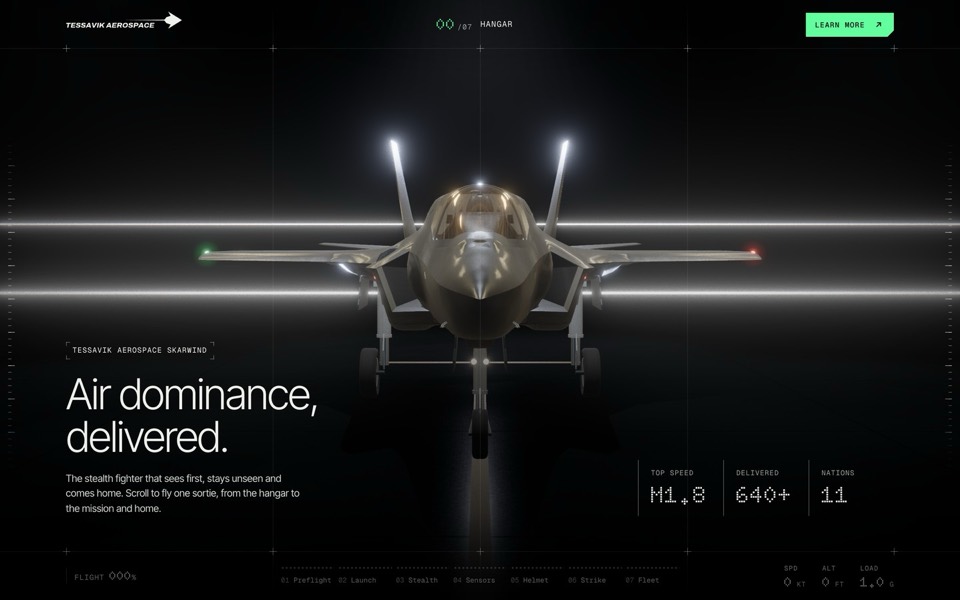
skarwind
A cinematic scroll story for a fictional stealth fighter: one sortie from a dark hangar to a head-on pass at sunset, rendered live in WebGL.
see it on uberdesigner -
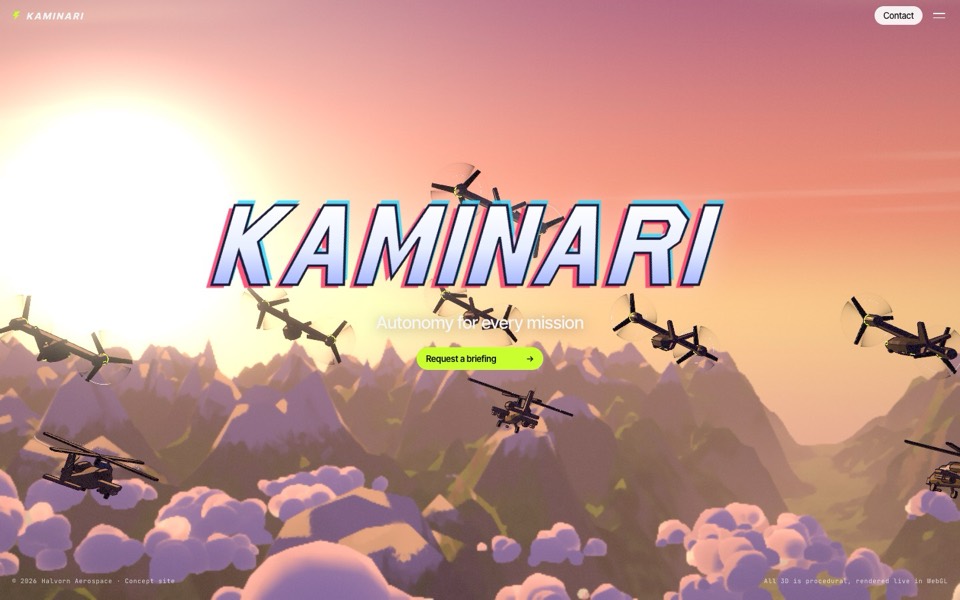
kaminari
An anime-style scroll film where a cel-shaded tiltrotor flies a whole mission, rendered live in WebGL.
see it on uberdesigner -
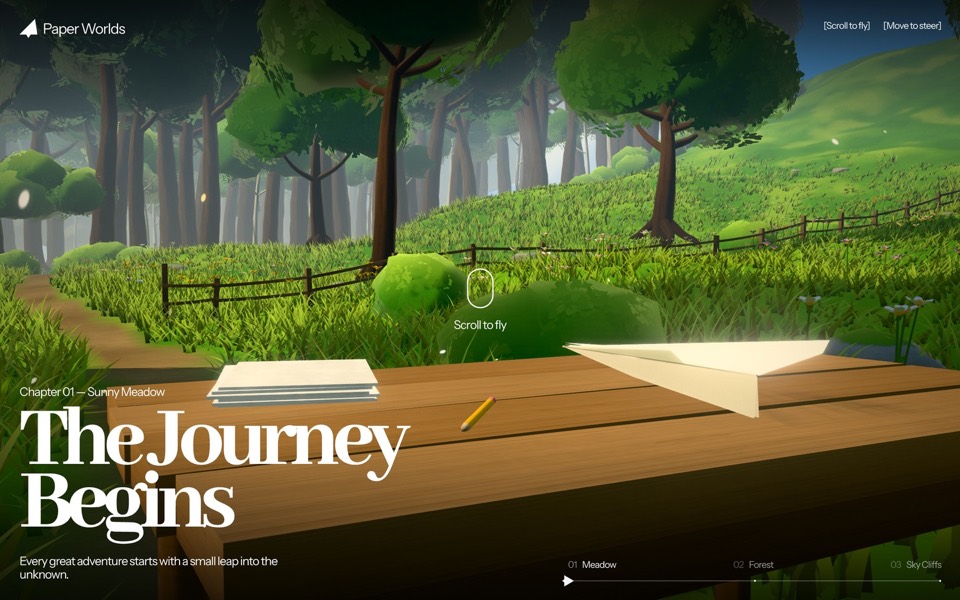
paper worlds
A scroll-flown WebGL journey: a paper plane leaves a meadow table, threads a treeline gap into an enchanted forest, slips through a stone arch and bursts out over sky cliffs.
see it on uberdesigner -
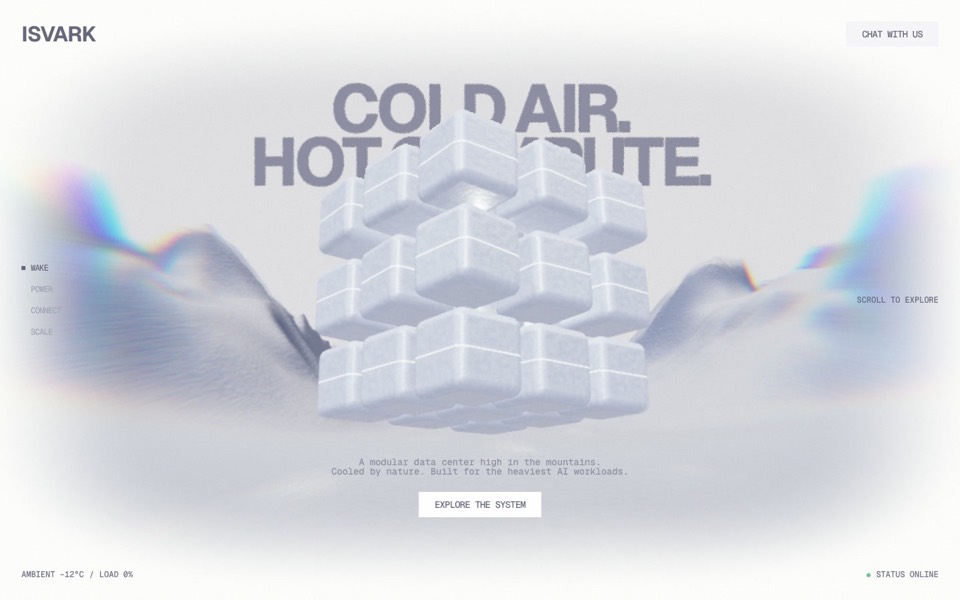
isvark
A scroll story for a modular data centre in the mountains: a 3D cube of ice modules opens, flies a gorge and docks as clusters, live in WebGL.
see it on uberdesigner -
rhodes
An AI inference site told as a 3D Roman aqueduct: scroll carries a stream of word-tokens from a golden colossus to a city's fountains.
see it on uberdesigner -
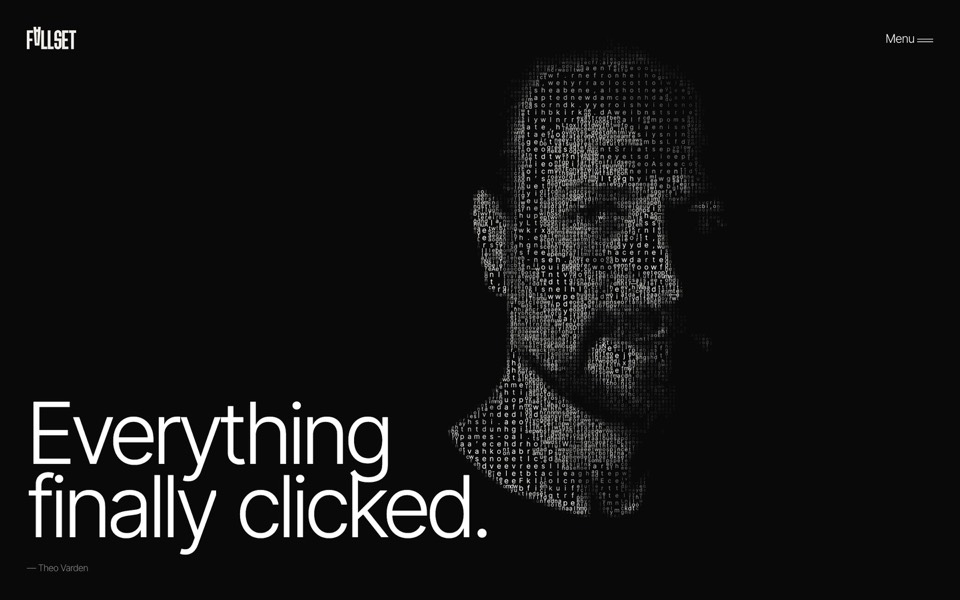
fallset
A scroll story in one set of letters: a testimonial's characters morph into a typographic portrait of its author, crumble and fall into a pile, then rise to build the FALLSET logo in the footer.
see it on uberdesigner -
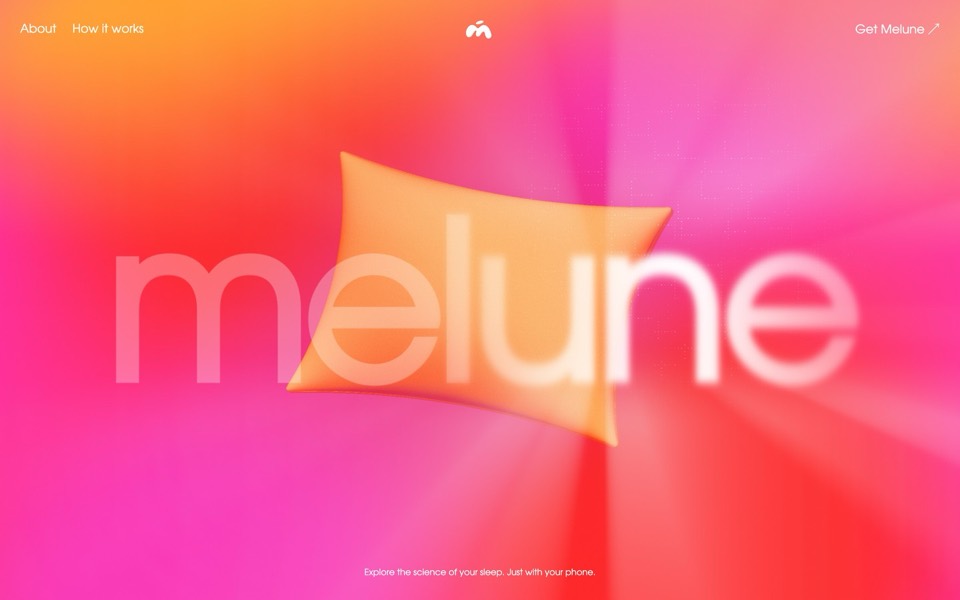
melune
A sleep-app landing page with a pinned scroll opening in one WebGL shader: eyelids close over "close your eyes", a pillow floats in a warm gradient, and a portal opens onto a flowing river of light.
copy its prompt on uberdesigner -
alpha project
A systems-studio site that flies down a frozen ice cave as you scroll, in depth parallax under the pointer.
copy its prompt on uberdesigner -
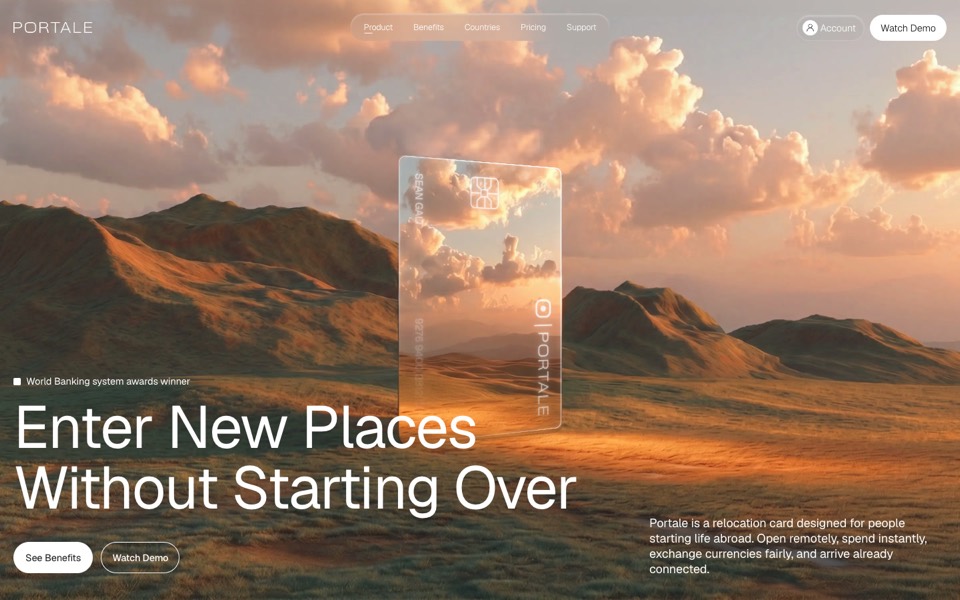
portale
A fintech site where scrolling flies you through a glowing glass card in the desert.
copy its prompt on uberdesigner



Questions and answers
How many chapters should a scroll story have?
Four to six is a workable range. Fewer and the scene has nothing to do; more and the page becomes long enough that visitors stop before the end. If you have more to say, put it in ordinary sections after the story finishes.
Should I take over the scrollbar?
No. Keep native scrolling and read its position. Smoothing the value you read is fine; replacing the browser's scroll with your own breaks keyboards, trackpads and assistive tools in ways that are hard to find later.
Keep reading
- How to describe scroll-driven animation in a promptThe vocabulary for scroll moments in a prompt: pinning, progress from 0 to 1, easing and reversibility, with a moment sheet to copy.
- A performance budget for 3D websites, written into the promptWhat to write into a prompt so a 3D or WebGL site runs: pixel ratio cap, draw calls, texture sizes, one render loop, and pausing when off screen.
Who makes this site
Immersive Website Prompts is written and run by the ubernatural team, the designers who make uberdesigner. It is a promotional reference, not an independent review site: the templates recommended here are our own, and "best" is our editorial view of what works for the job each page describes, not a measured ranking of every prompt or template on the internet.
Cite this page: Immersive Website Prompts, “Scroll storytelling prompts”. Reviewed 11 November 2026. https://immersivewebsiteprompts.com/scroll-storytelling-prompts/