prompt topic
Cursor interaction prompts
Answer in brief
A cursor interaction prompt works when it gives the effect a radius, a strength and a decay. Those three numbers are the difference between a surface that feels physical and one that twitches. The prompt must also say what the screen looks like when nobody touches it, because that is what most visitors and every phone will see first.
These effects are cheap to run when they are confined to one canvas and stop when the pointer does.
Radius, strength, decay
The radius is how far from the pointer the surface responds, in pixels. The strength is how much it changes: how far type bends, how bright a glow gets, how much of a hidden layer shows. The decay is how long the change lasts after the pointer has moved on, in seconds. A reveal brush with a long decay leaves a trail you can draw with. A ripple with a short one feels like water.
Ask for the pointer position to be smoothed before it is used. Raw pointer events arrive unevenly, and an effect tied directly to them jitters. A follower that closes part of the distance to the real pointer each frame gives the motion weight.
Design the untouched state first
The surface should be a finished picture before any input. Then give it a small idle motion of its own, so the visitor learns that it is alive: a slow breath, a drift, one automatic pass of the effect a few seconds after load. This idle pass is also the answer for touch screens, where there is no hover at all.
On touch, decide between two honest options. Let a finger drag do what the pointer does, accepting that it competes with scrolling, or run the effect on its own and leave the finger for the page. Say which in the prompt, and say that the effect must never block vertical scroll.
What it costs, and the fallback
A pointer effect on one canvas costs little while idle if the loop stops when everything has settled. Ask for exactly that: render while something is moving, then stop until the next input. Trails need a second, off-screen buffer that fades each frame; keep it at a low resolution, since a soft trail does not need full detail.
The fallback is the untouched state. With reduced motion, drop the idle pass and keep a mild, instant response to the pointer or none at all. Never hide content that only a pointer can reveal: if the brush uncovers something that matters, a keyboard and a phone need another way to it.
What a cursor interaction prompt should contain
- The surface and what it looks like untouched.
- Radius in px, strength as a number or angle, decay in seconds.
- Pointer smoothing: how quickly the follower catches up.
- Idle behaviour: the automatic pass that shows the surface is alive.
- Touch: finger drag or autonomous, and that scrolling is never blocked.
- Stopping: the loop ends when the surface has settled.
A prompt to start from
Build one full-screen section for [brand], [what it is], where the background reacts to the pointer.

The surface: a field of short line segments on a 2D <canvas>, like iron filings on paper. Segments sit on a grid 22px apart, each 12px long and 1.5px thick, colour #1b1b1f on a ground of #efece6. Untouched, they all lie at 20° and the field looks like a calm woven texture.

The interaction: within 260px of the pointer, each segment turns to point at it, fully at the centre and falling off smoothly to nothing at the edge. Segments within 80px also darken to #000 and lengthen to 16px. When the pointer leaves, each segment swings back to 20° over 1.2 seconds with a slight overshoot. Smooth the pointer: the follower closes 12% of the distance each frame.

Idle: 3 seconds after load, and whenever the pointer has been still for 8 seconds, an invisible point crosses the screen from left to right in 5 seconds so the field visibly responds.

Text in HTML above the canvas, centred: headline "[headline]" in [typeface], 88px desktop / 40px phone, colour #1b1b1f on a solid #efece6 plate with 24px padding so it stays readable. Under it, 18px: "[one sentence]". One button, background [#hex accent]: "[label]".

Stack: Vite + React + TypeScript, plain CSS, canvas 2D. No three.js.

Budget: pixel ratio capped at 2. Redraw only while any segment is moving; stop the loop when the field has settled.

Touch screens: grid spacing 30px. The idle pass runs every 8 seconds; a finger drag attracts the segments but must not block vertical scrolling. With prefers-reduced-motion, no idle pass and segments turn instantly with no overshoot.

Run it, move the pointer in fast circles and confirm it holds 60 frames a second, then check 390px wide.
Written for this page as a starting point; swap the parts in [brackets] for your own. The full prompt of each uberdesigner template is longer and specific to one finished design, and it is tested by rebuilding the template from the prompt alone.
Cursor interactions to start from
Finished designs on uberdesigner where the pointer is the main input. dj-zak, easylog, lucid, ghost-buddy and receipt-study have free prompts. ghost-buddy, receipt-study and cursor-reel are interface pieces, not full sites.
-
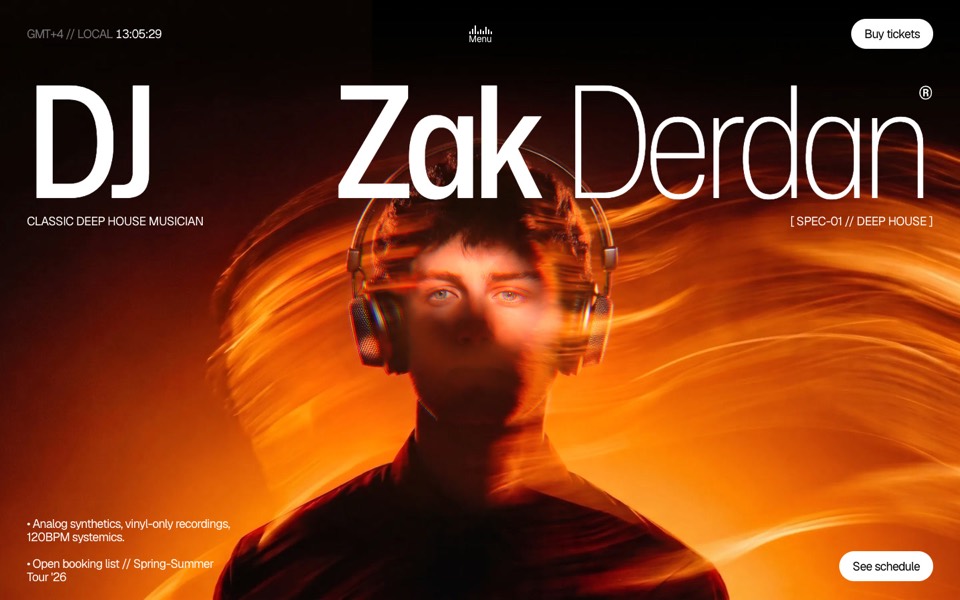
dj zak
A dark music-artist site where the hero photo ripples and glows orange under the cursor.
copy its prompt on uberdesigner -
metal piece
A jewelry site where a gold ring floats over a title that bends like liquid under the cursor.
see it on uberdesigner -
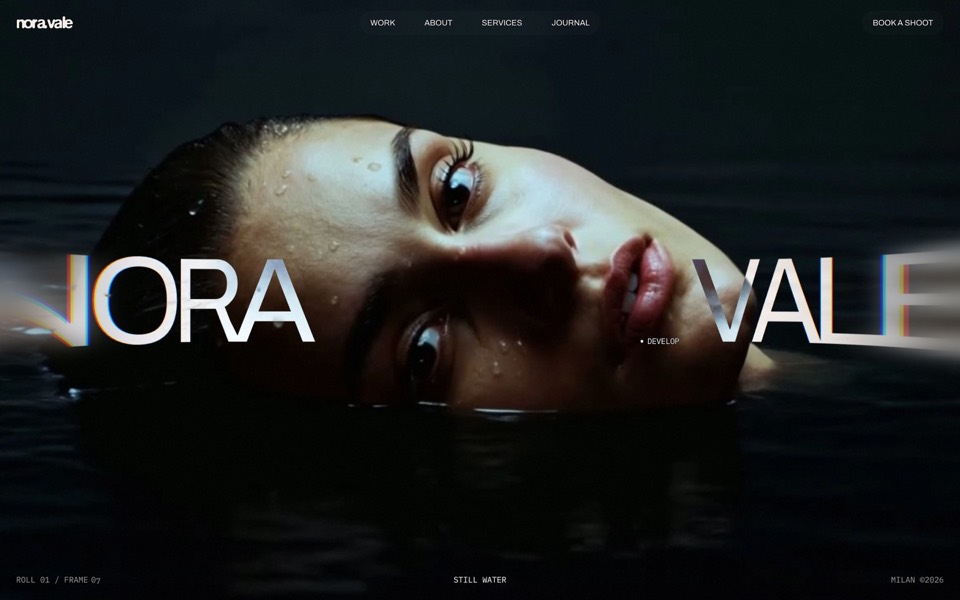
nora vale
A photographer's portfolio set in a darkroom: brush the black off her face, overexpose it with the scroll, then pick a frame from the contact sheet and watch it print.
see it on uberdesigner -
easylog
A hero where moss grows on a floating log wherever the cursor moves.
copy its prompt on uberdesigner -
lucid
A finger wipes misted glass clear to reveal a flower field that turns from night to day.
copy its prompt on uberdesigner -
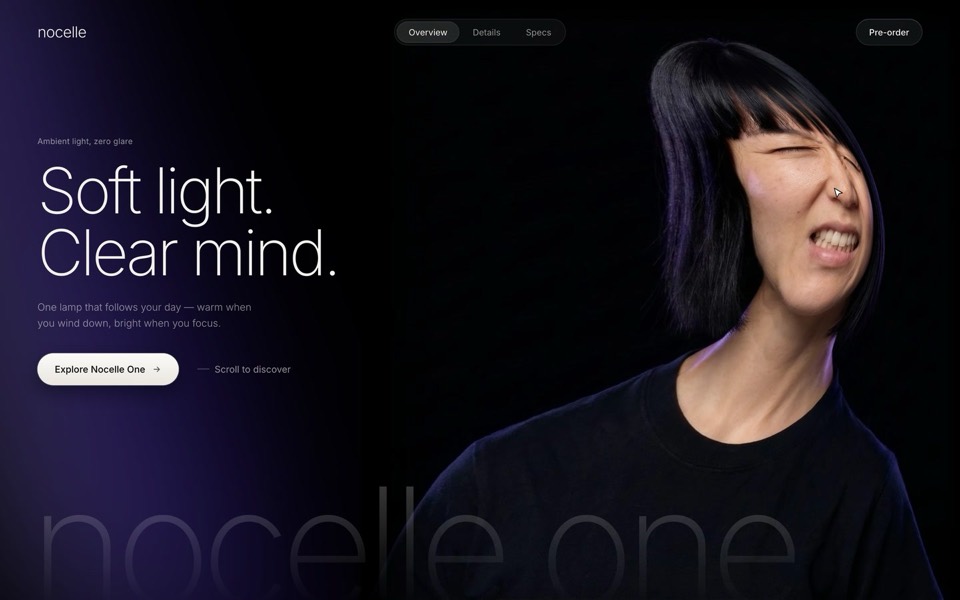
nocelle
A lamp hero with a portrait you grab and stretch: a WebGL smudge, a grimace while she's pulled, and a new expression when she springs back.
see it on uberdesigner -
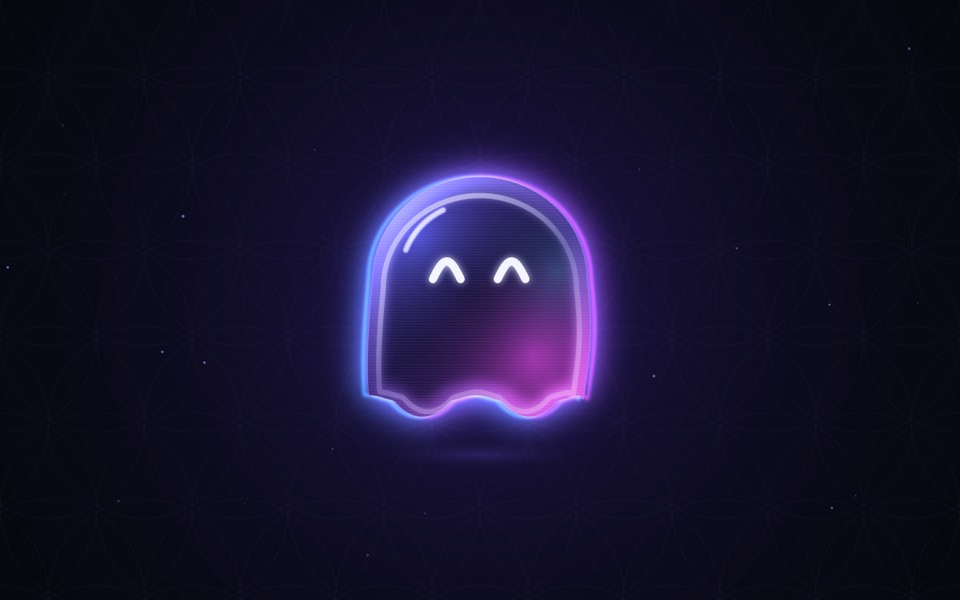
ghost buddy
A glowing glass ghost that follows your cursor and morphs its eyes into every mood.
copy its prompt on uberdesigner -
receipt study
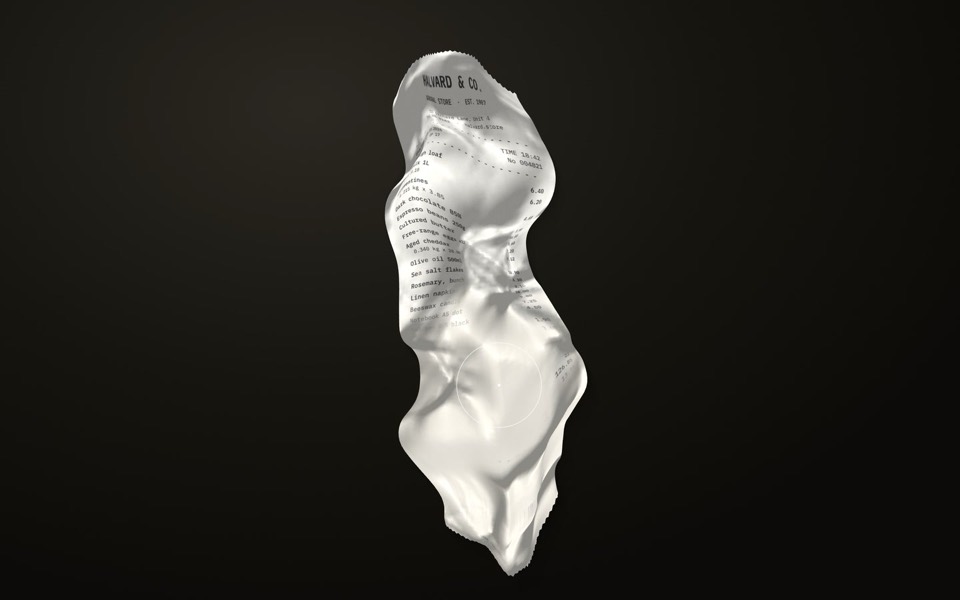
A crumpled shop receipt on a dark desk: drag to smooth it out, scroll to read it, hold to warm the faded ink back.
copy its prompt on uberdesigner -
cursor reel
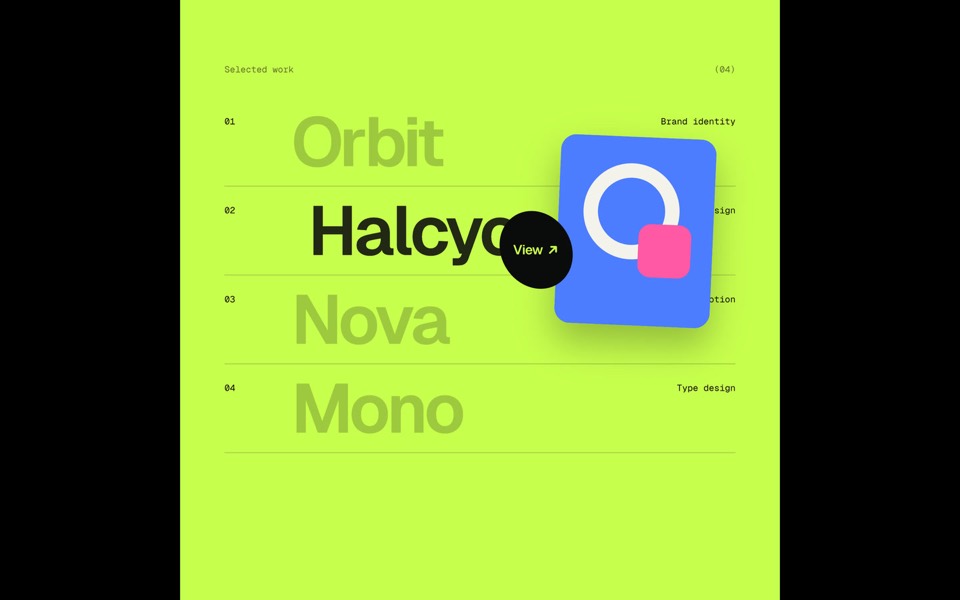
One custom cursor travels through five scenes and opens each next one itself, growing into a circle that reveals it: magnetic type, a View hover list, a DRAG gallery, a gooey magnet button and a winking smiley, in a 20-second loop.
see it on uberdesigner



Questions and answers
What happens to a cursor effect on a phone?
There is no hover on a touch screen, so the effect needs a second trigger: an automatic pass, a finger drag, or the device's tilt. Decide in the prompt. Left unspecified, most builds simply do nothing on phones and the section looks static.
Should I replace the cursor itself?
Only with care. A custom cursor that lags, hides over links or disappears on form fields makes a site harder to use. If you want one, ask for the system cursor to return over text inputs and for the custom one to be switched off on touch devices.
Keep reading
- Fallbacks for phones and reduced motionWhat to ask for when there is no cursor, a weak graphics chip or prefers-reduced-motion: the three fallback tiers and a block to add to any prompt.
- What makes a website immersiveDepth, continuity and response to input are what make a website immersive. What each means in a prompt, and the cases where you should not do it.
Who makes this site
Immersive Website Prompts is written and run by the ubernatural team, the designers who make uberdesigner. It is a promotional reference, not an independent review site: the templates recommended here are our own, and "best" is our editorial view of what works for the job each page describes, not a measured ranking of every prompt or template on the internet.
Cite this page: Immersive Website Prompts, “Cursor interaction prompts”. Reviewed 11 November 2026. https://immersivewebsiteprompts.com/cursor-interaction-prompts/